

How can we help?
Convenient Services
Product Support
How-to guides and technical help
Cameras
Doorbells & Door Viewers
Smart Locks
Imou Link
Imou IoT
Imou Robots
Accessories
Learn More
Video
Explore the product and brand videos


Robot Vacuum Cleaner - Wi-Fi Setup Guide
Get guidance on Wi-Fi and app connection and mounting
Knight
Get guidance on Wi-Fi and app connection and mounting
How to set up Cruiser?
Get guidance on Wi-Fi and app connection and mounting
Product manual
AOV PT 5MP
Download
Ranger 2C Dual 6MP
Download
Ranger 2C Dual 8MP
Download
Ranger 2C Dual 10MP
Download


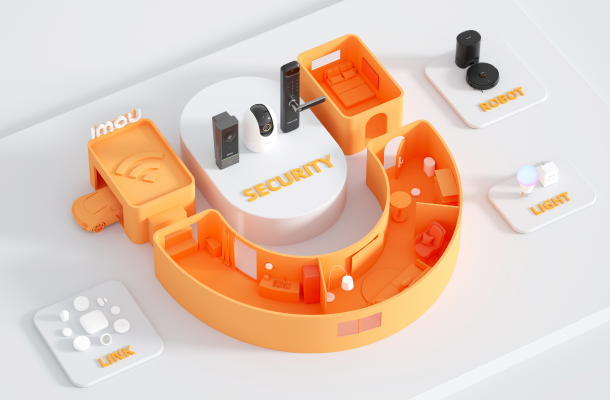
Discover More Imou Services
For urgent situations, we recommend you contact Live chat via
-Support for immediate support.